Verizon Internet Gateway Connect the Wireless Client Manually
Verizon Internet Gateway
Connect the Wireless Client ManuallyEasily connect devices to your Verizon Internet Gateway manually if your Wi-Fi network name isn't showing up automatically in your available networks list.
Before you begin
Wi-Fi info can be viewed from the bottom and back of the device.
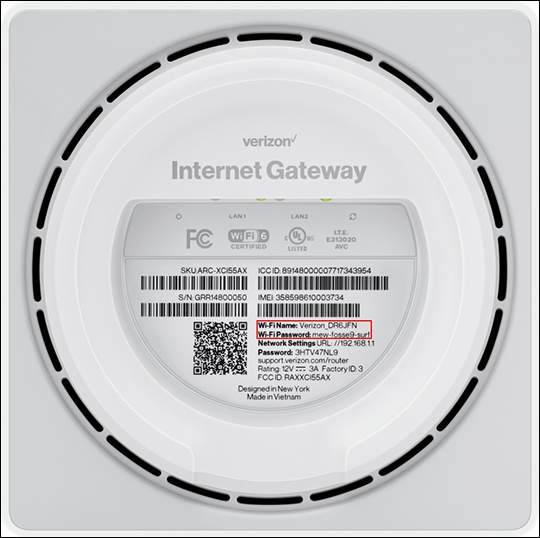
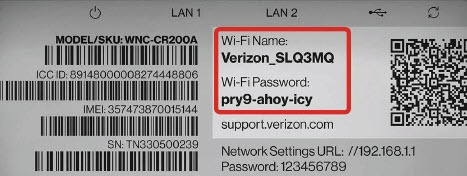
Steps
- Select the applicable OS (for the client) then follow the instructions provided.