Smart Wrist by Orbic - Set Ringtones
Here's how to set or change ringtones on your Smart Wrist.
Ensure the software on your Smart Wrist™ by Orbic® is up to date as the steps below apply to the most recent version.
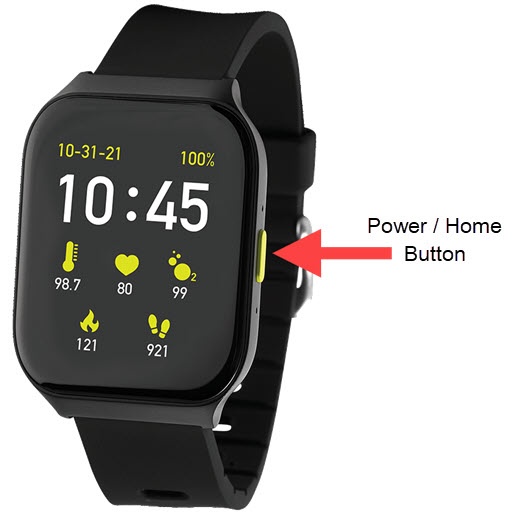
- From the watch screen, press thePower / Home buttonto open the apps screen.
- Tap theSettings icon
.
- TapSounds.
- TapPhone Ringtonethen select the desired tone (e.g., Bell Phone, Cygnus, Kuma, etc.).Swipe up or down to scroll through all tones.Selected when a blue circle appears next to the ringtone.
- Press the Home button to return to the watch screen.