Smart Wrist by Orbic - Install System Updates
Here's how to check for and install software updates on your Smart Wrist.
System updates are automatic; however, if an update doesn't install on its own, follow the below steps to download it.
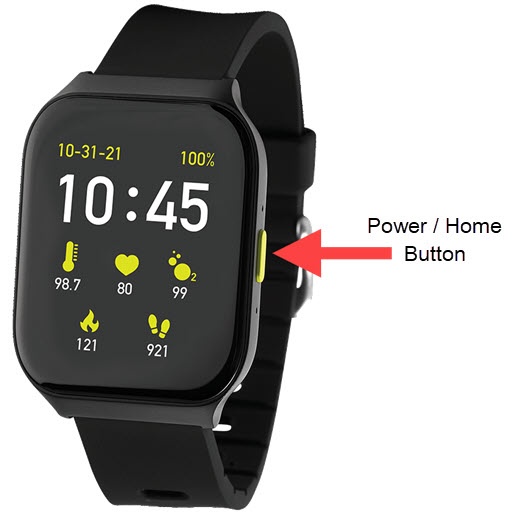
- From the watch screen, press thePower / Home buttonto open the apps screen.
- Tap theSettings icon
.
- TapSystem Update.
- If an update is available, tapDownload.To manually check for a software update, tapCheck for Update.If prompted with 'Your system is up to date', no update is necessary, tapOK.