Smart Wrist by Orbic - View Device ID
Here's how to find the device ID (IMEI) for your Smart Wrist.
Ensure the software on your Smart Wrist™ by Orbic® is up to date as the steps below apply to the most recent version.
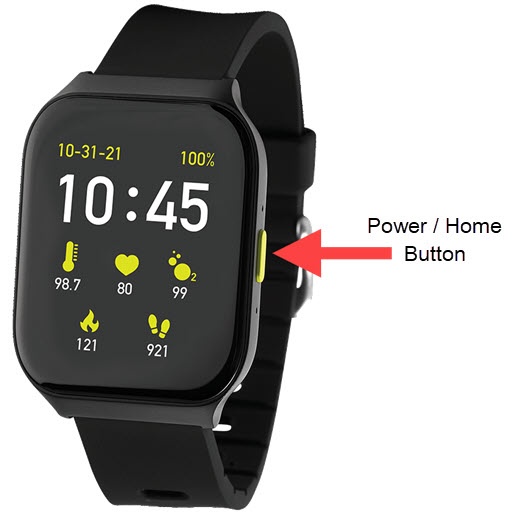
- From the watch screen, press thePower / Home buttonto open the apps screen.
- Tap theSettings icon
.
- TapMy Device.
- TapAbout Watch.
- View the IMEI.If the IMEI can't be viewed from the device, refer to My Verizon Website - View Device Info (if applicable).