Smart Wrist by Orbic - Uninstall Apps
Here's how to remove or delete apps if your Smart Wrist is unresponsive, freezes or an app won't open.
- Ensure the software on your Smart Wrist™ by Orbic® is up to date as the steps below apply to the most recent version.
- Apps included with the Orbic Wear OS operating system may have the uninstall option greyed out.
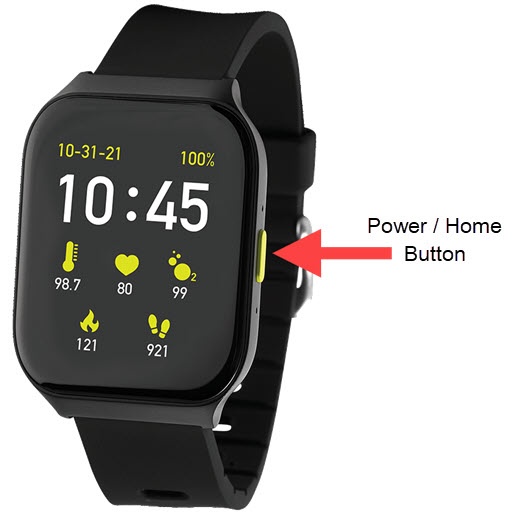
- From the watch screen, press thePower / Home buttonto open the apps screen.
- Tap theSettings icon
.
- TapApps Manager.
- Tap the app you want to remove then tapUninstall.