Smart Wrist by Orbic - Turn Wi-Fi On / Off
Turn Wi-Fi on if you want to connect your Smart Wrist to an available Wi-Fi network, or turn it off to troubleshoot or conserve battery life.
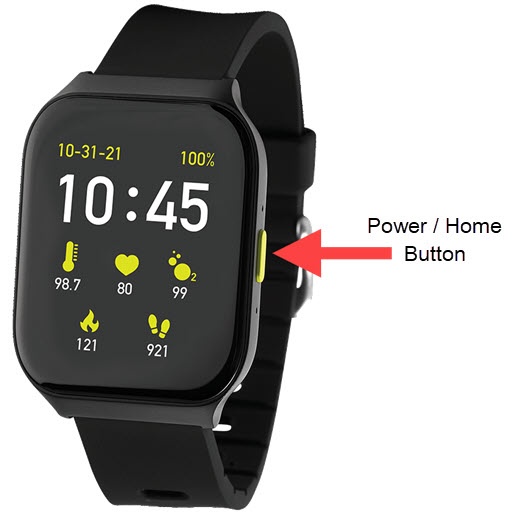
- From the Smart Wrist™ by Orbic® watch screen, press thePower / Home button.
- Navigate: .
- Tap theWi-Fi switchto turn on or off.