Smart Wrist by Orbic - Turn GPS Location On / Off
GPS location access is needed by some apps on your Smart Wrist™ by Orbic® to share your location, but can be turned off to save battery life.
Ensure the software on your Smart Wrist is up to date as the steps below apply to the most recent version.
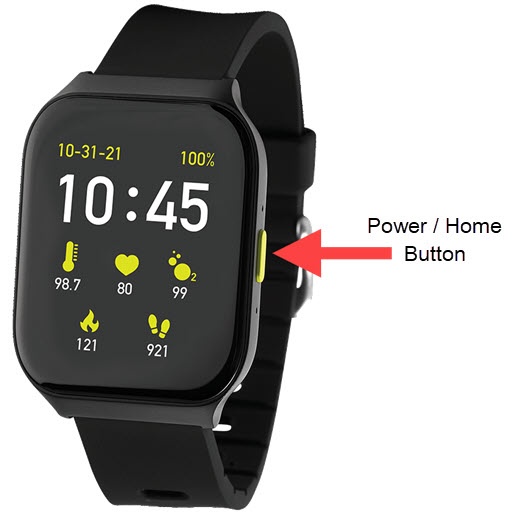
- From the watch screen, press thePower / Home buttonto open the apps screen.
- Tap theSettings icon
.
- TapSecurity.
- Tap theLocation Service switchto turn on or off.