Smart Wrist by Orbic - Answer a Call
Here's how to answer a call from your Smart Wrist.
Ensure the software on your Smart Wrist™ by Orbic® is up to date as the steps below apply to the most recent version.
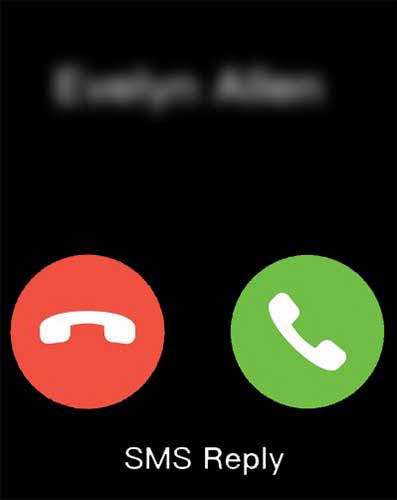
Handle an incoming call with one of the following options:
- Tap theAnswer icon
to answer the call.
- Tap theEnd Call icon
to reject the call and send to voicemail.
- TapSMS replyto ignore the call with a text message.Choose a message (e.g., Can't talk now. What's up?, I'll call you right back., etc.),.
After a call is connected, the volume can be adjusted by following the steps below:
- Tap theVolume icon
.
- Drag theblue volume barup or down to adjust the volume level.