Session status messages
Session Status

Due to inactivity, your session will end in approximately 2 minutes. Extend your session by clicking OK below.

Due to inactivity, your session has expired. Please sign in again to continue.

Push to Talk Plus - Delete Groups

2026-10-15 04:19:44.536

Push to Talk Plus - Delete Groups

Here's how to delete a Push to Talk Plus group.
  • Ensure the PTT+ app has been updated to the most recent version for Android™ or iOS.
  • Contact your corporate admin if you're unable to create a personal group.
  1. Open the
    Push To Talk+
    Push to talk app.
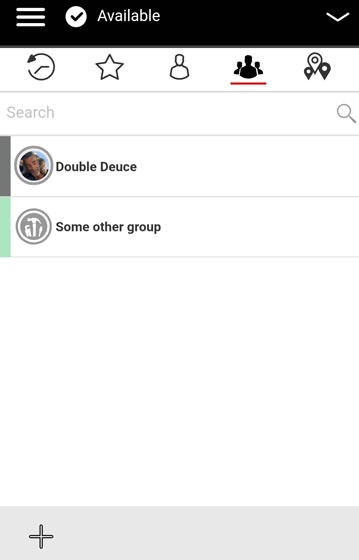
  2. From the Groups tab, tap and hold the appropriate group then tap
    Delete group
    .
    Push to Talk Plus group call ready screen
  3. From the Confirm prompt, tap
    Ok
    .