Create or End Internet Connection - Verizon 4G LTE Broadband Router
Here's how to create or end an internet connection on your 4G LTE Broadband Router.
To set the default connection mode, refer to Internet Connection Mode - Verizon 4G LTE Broadband Router.
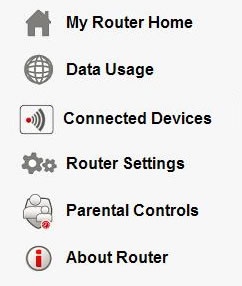
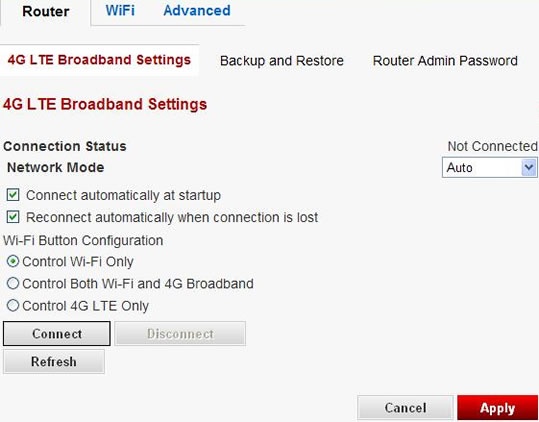
- Access the router configuration tool then clickRouter Settings(on the left).For assistance with accessing the router configuration page, refer to Accessing the Router Configuration.
- ClickConnectorDisconnect(bottom of screen).