View Connected Devices - Verizon 4G LTE Broadband Router
Here's how to view info for devices connected to your 4G LTE Broadband Router.
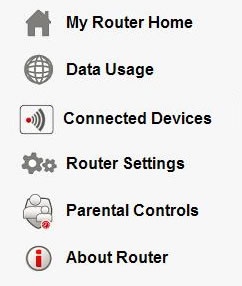
- Access the router configuration tool then clickConnected Devices(on the left).For assistance with accessing the router configuration page, refer to Accessing the Router Configuration.
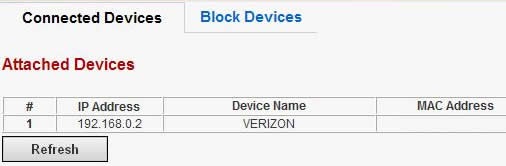
- A list of currently connected devices is displayed. To allow or block devices, refer to Access Control for additional assistance.