DNS Lookup - Verizon 4G LTE Broadband Router
Here's how to look up a URL address using your 4G LTE Broadband Router.
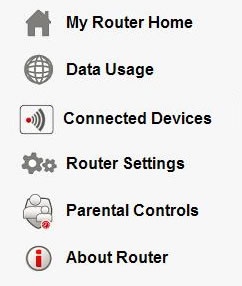
- Access the router configuration tool then clickAbout Router(on the left).For assistance with accessing the router configuration page, refer to Accessing the Router Configuration.
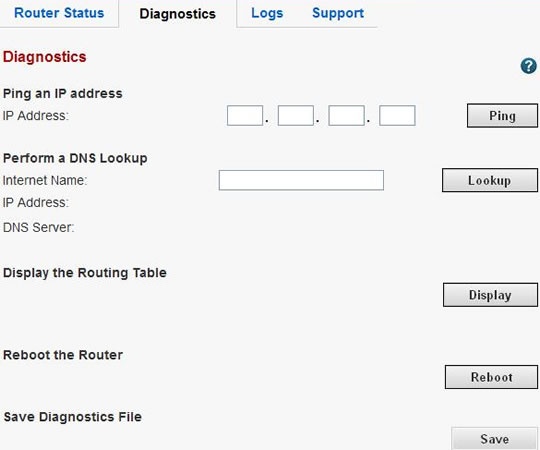
- From the Diagnostics tab, enter the URL address (e.g., www.google.com) in the Internet Name field then clickLookup. The corresponding IP address is displayed in the IP Address field.