4G LTE Broadband Settings - Verizon 4G LTE Broadband Router
Here's how to adjust the network and Wi-Fi settings on your 4G LTE Broadband Router.
To set the default connection mode, refer to Internet Connection Mode - Verizon 4G LTE Broadband Router.
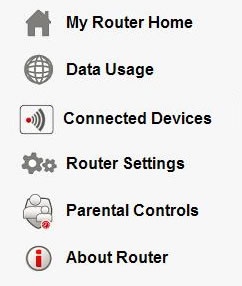
- Access the router configuration tool then clickRouter Settings(on the left).For assistance with accessing the router configuration page, refer to Accessing the Router Configuration.
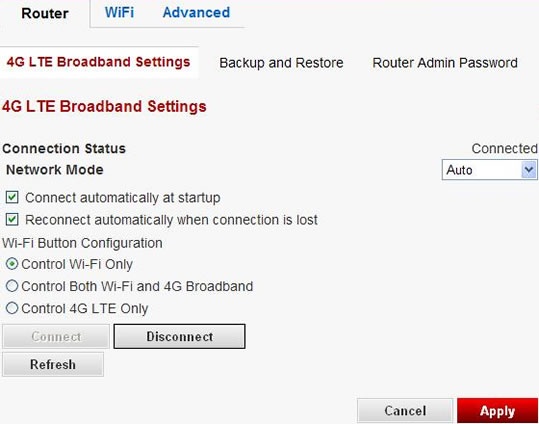
- The 4G LTE Broadband Settings page is displayed. Adjust as desired then clickApply.The User Name, Password, Country and Internet Service Provider fields are automatically set for Verizon.
- If available, select theNetwork Mode dropdown box(on the right) to choose the desired mode.
- Auto
- LTE mode
- EVDO mode
- Select the Wi-Fi Button Configuration option
- Control Wi-Fi Only
- Control Wi-Fi and 4G Broadband
- Control 4G LTE Only
- To connect or disconnect from the network, clickConnect/Disconnect.The connection status is displayed on the far-right.
- ClickOK.