View Connection Status/Statistics - Verizon 4G LTE Broadband Router
View this for help with connection status/statistics for your LTE Broadband Router.
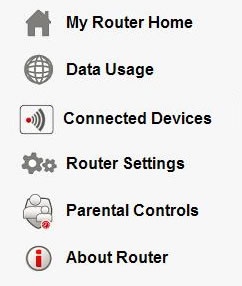
- Access the router configuration tool then clickAbout Router(on the left).For assistance with accessing the router configuration page, refer to Accessing the Router Configuration.
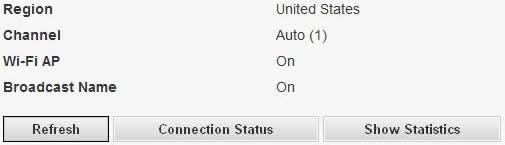
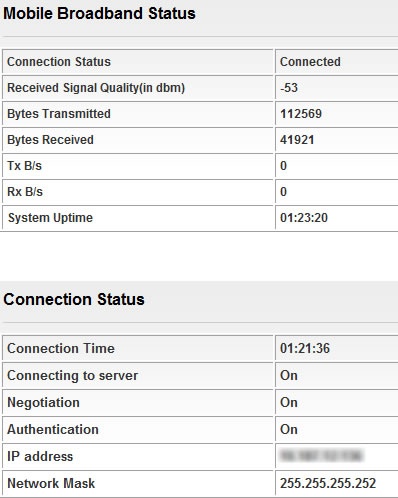
- Scroll down to the bottom of the page then clickConnection Status.To view the connection statistics, clickShow Statistics.To refresh the status, clickRefresh.
- The Mobile Broadband status (including signal quality) and Connection status are displayed.Received Signal Quality values:
- Blue (Excellent coverage): RSSI is greater than or equal to -85
- Green (Good coverage): RSSI is between -100 and -85
- Amber (Marginal coverage): RSSI is between -112 and -10