Soft Reset - Verizon Jetpack® 4G LTE Mobile Hotspot MiFi® 4620L
If you can't browse the internet or your Verizon Jetpack - MiFi 4620L crashes / freezes / runs slow, view this.
Method 1
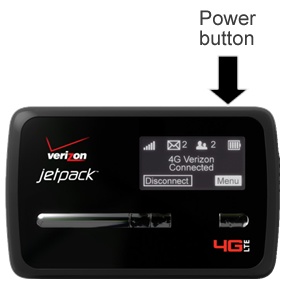
- Power the device off.Press and hold thePower buttonuntil "Verizon MiFi Powering Off" appears on the display then release.If unable to power the device off, remove then re-insert the battery.
- Power the device on.Press and hold thePower buttonuntil "MiFi" appears on the display then release.
Method 2
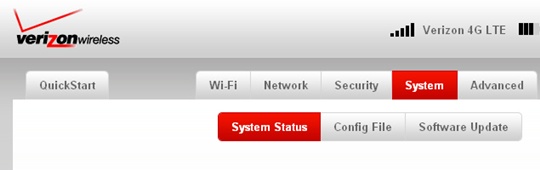
- From the System tab, clickSystem Status.
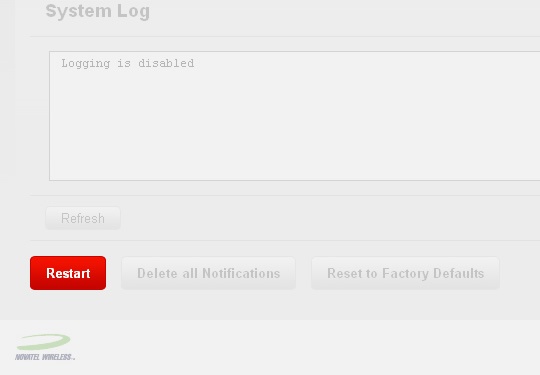
- ClickRestart(located in the lower-left).
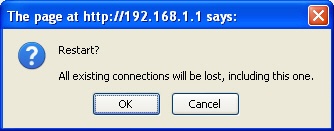
- ClickOK.