View Connected Devices - Verizon Jetpack® 4G LTE Mobile Hotspot MiFi® 4620L
To view info for devices connected to your Verizon Jetpack - MiFi 4620L, see this.
To view info for devices connected to your Jetpack, follow these steps.
View via the Admin Web Interface
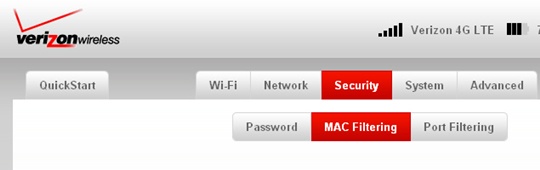
- Access the Admin Web Interface.
- From the Security tab, clickMAC Filtering.
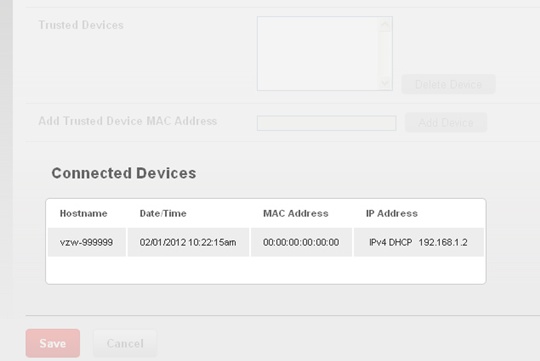
- From the Connected Devices section, view the following info:
- Hostname
- Date/Time
- MAC Address
- IP Address
View via device
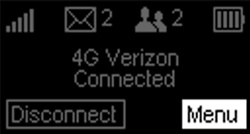
- From the Home screen, selectMenu.Utilize the Scroll buttons to highlight and the Select button to select.
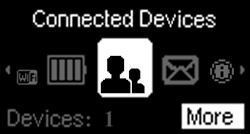
- Highlight Connected Devices then selectMore.
- View the following info then selectOK:
- Number of Connected Devices (e.g.1/1)
- Date/Time
- IP Address
- Hostname