moto g - 2026 Insert or Remove SD / Memory Card
moto g - 2026
Insert or Remove SD / Memory CardIf your moto g - 2026 is low on storage, use an SD card for extra space. Follow these steps to insert or remove it without losing data.
Before you begin
Ensure your moto g - 2026 is powered off before attempting to insert or remove an SD / memory card.
Steps
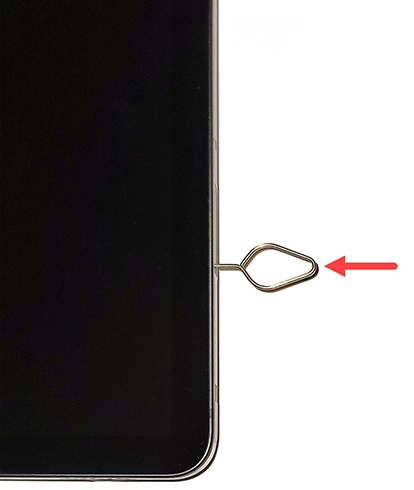
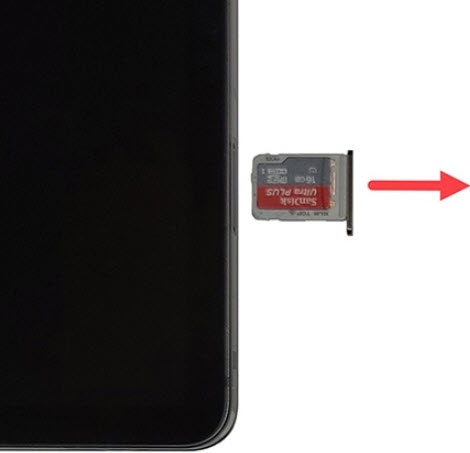
- From the right side of the device (display facing up), use the insertion / removal tool or a paperclip to unlock and remove the tray.
- Do one of the following:
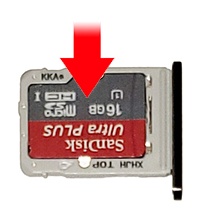
- Insert the SD card on the opposite side of the tray from the SIM card.
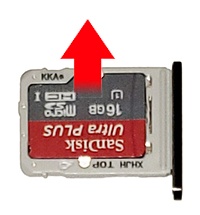
- Remove the SD card from the tray, using the opening on the opposite side to dislodge.
- Insert the card tray then press it securely back into it's slot.