Turn Keyguard On / Off - KYOCERA DuraXV Extreme+
Here's how to lock or unlock the external buttons on your DuraXV Extreme+.
- The keyguard only applies to the external buttons on the device.
- The device must be closed to turn the keyguard off.
Turn the Keyguard On
The keyguard is on by default when the phone is closed or the external display turns off.
Turn the Keyguard Off
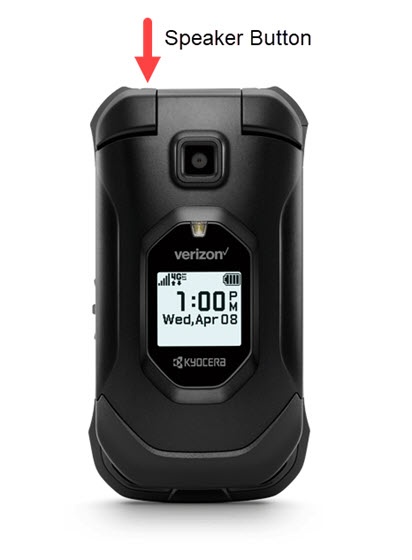
- With the phone closed, press and hold theSpeaker buttonuntil 'keyguard off' appears on external screen then release.