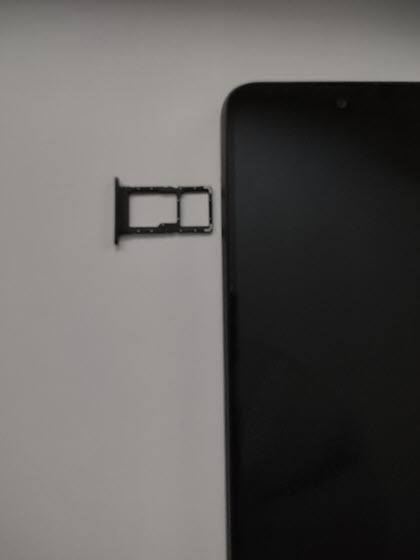
ORBIC JOY - Insert / Remove SIM Card
Here's how to properly insert or remove a SIM card for your ORBIC JOY.
Instructions on inserting / removing your SIM can help with activation issues / errors, browser connection problems and a blank or frozen screen.
Don't attempt to insert or remove the SIM card while your ORBIC® JOY is powered on. Doing so may harm the SIM card and/or your device.
- Ensure the device is powered off.
- From the upper left edge of the device (display facing up), insert the SIM removal tool into the hole.
- Do one of the following:
- Insert SIM cardUsing the notch in the card as a guide, insert the SIM card into the tray with the gold contacts facing down.
- Remove SIM cardLift the card from the tray.
- Carefully reposition the tray into the slot and push it gently back into the phone.