Orbic Speed 5G - View Text Messages
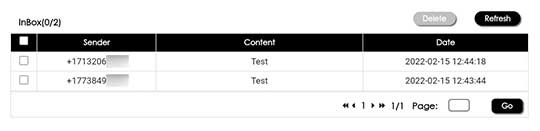
Here's how to view text messages on your Orbic Speed 5G or via the admin page.
Text messages can only be received. The ability to compose and send isn't available.
Via Device
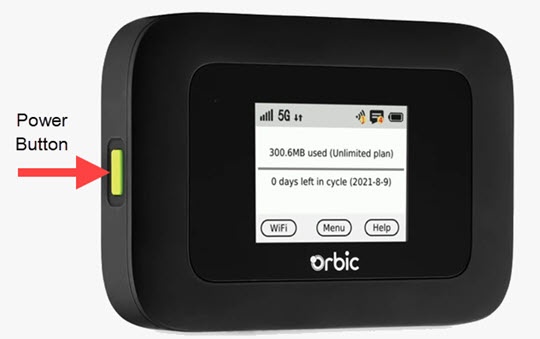
- Press thePower buttonon your Verizon Orbic® Speed 5G™ to turn on the display.
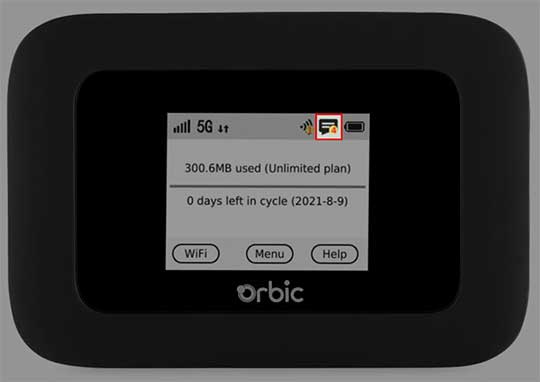
- The status indicator on the Home screen displays the number of messages to the left of the battery icon.When a new message arrives, the message counter increases.
- To view the content of a message, tapMenu.
- From the 'Menu' screen, swipe the screen to the left to view the additional menu options and tapMessages.If applicable, swipe the screen to the left or right to view additional messages.