Orbic Speed 5G - Language Selection
Here's how to change the language used on your Orbic Speed 5G.
Follow the steps below to change the language from English to Español or Español to English on your Verizon Orbic® Speed 5G™.
Via Device Display
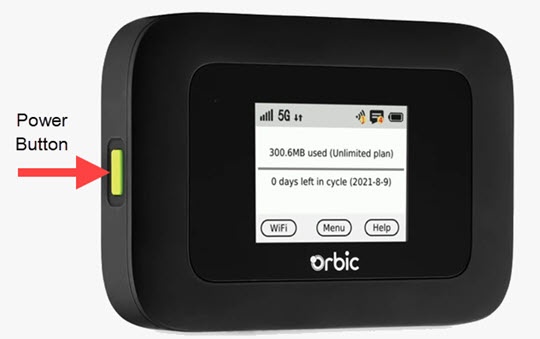
- Press thePower buttonto turn on the display.
- TapMenu(on the device screen).
- From the 'Menu' screen, swipe the screen to the left or right to view the additional menu options then tapSettings.
- TapLanguage.If applicable, swipe the screen to the left or right to view additional options.
- Select from the following options:
- English
- Español
To change the language from Español to English, navigate: .
Via Admin Web Interface
- Access the Admin Web Interface.
- Do one of the following:
- English to Español
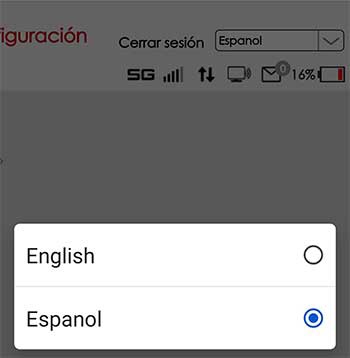
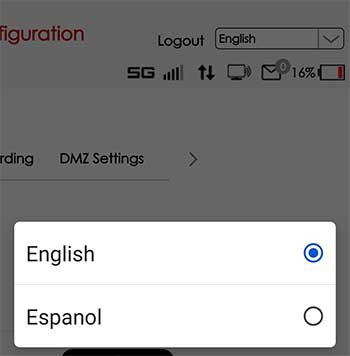
- From the top right, select the language dropdown menu then select Espanol.
- Español to English
- From the top right, select the language dropdown menu then select English.