Orbic Speed 5G - View SIM Card Number
Here's how to view the SIM card number associated with your Orbic Speed 5G.
Via Device
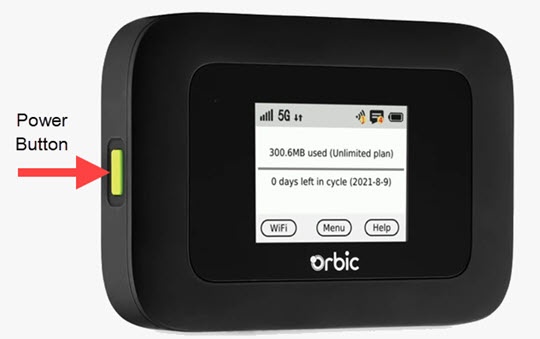
- Press thePower buttonon your Verizon Orbic® Speed 5G™.
- TapMenu(on the device screen).
- From the 'Menu' screen, swipe the screen to the left to view the additional menu options and tapAbout Hotspot.
- View the ICCID (SIM) number.May require swiping the screen to the left or right to view additional device details.
Via Admin Web Interface
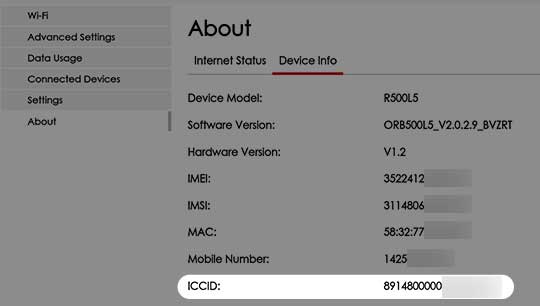
- Access the Admin Web Interface.
- From the top menu, clickConfiguration.
- From the left menu, navigate:About>Device Info tab.
- View the 20-digit ICCID.

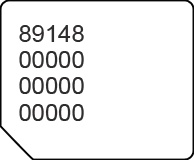
Via SIM Card
- Remove the SIM card then view the 20-digit SIM card number (with the gold contacts facing away).