Arlo Go 2 LTE Security Camera - Charge the Device
Here's how to charge and determine the charging status for your Arlo Go 2 security camera.
Only use approved chargers with your camera. The use of incompatible chargers may damage it.
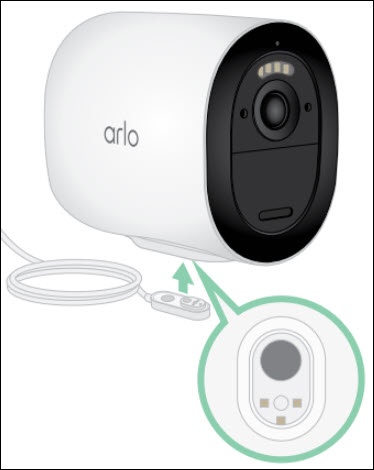
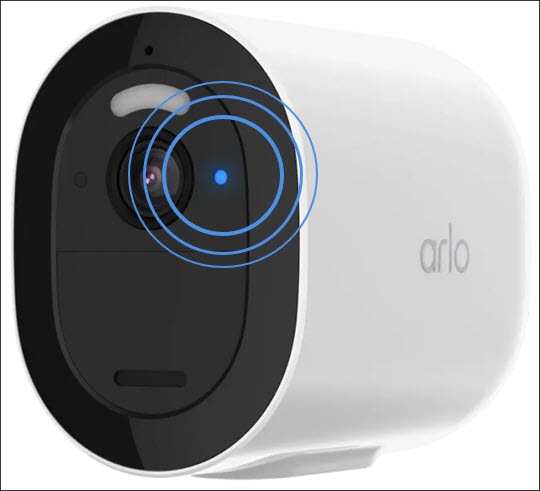
- Snap the magnetic power cable into the camera's power input using the supplied power adapter.The LED (located to the right of the lens) blinks fast blue for 3 seconds once power is connected.When fully charged, the LED blinks fast blue for 2 seconds.