TCL FLIP Pro - Take and Send a Picture via Messaging
Here's how to take and send a picture message on your FLIP Pro.
To share a picture that you've already taken, refer to Send Existing Picture via Messaging.
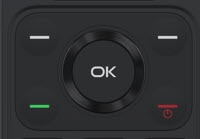
- From the main screen, press theOK button.Utilize the 5-way navigation pad to highlight and the OK button to select.
- SelectMessages.
- Highlight then select the desired thread.
- Press theright soft key
to choose Options.
- SelectAdd attachmentthen selectCamera.
- Press theOK buttonto take picture.
- SelectDone.
- SelectSend.