TCL FLIP Pro - Format SD / Memory Card
Here's how to erase all data on the SD / memory card of your FLIP Pro.
This procedure erases all data on the SD / memory card. It's recommended to back up your data before formatting.
To perform the steps below, ensure the SD / memory card is inserted..
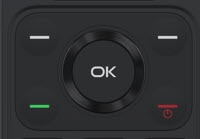
- From the main screen, selectMenu.Utilize the 5-way navigation pad to highlight and the OK button to select.
- SelectSettings.
- SelectStorage.
- SelectFormat SD card.
- SelectFormat.