TCL FLIP Pro - Add / Remove a Wi-Fi Connection
Here's how to connect to a Wi-Fi network or remove a saved connection on your FLIP Pro.
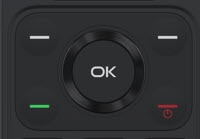
- From the main screen, press theOK button.Utilize the 5-way navigation pad to highlight and the OK button to select.
- Navigate: .
- SelectWi-Fithen selectOn.
- SelectAvailable networks.
- Perform one of the following:
- Connect to an Available Wi-Fi Network
- Search for the desired network.
- SelectSELECT.
- Remove a Wi-Fi Connection
- Highlight and select the Wi-Fi network no longer desired.
- Press theleft soft key
to choose
Forget. - SelectForget.