Orbic Smart WRIST - Update Apps
Here's how to update the apps for your Orbic Smart WRIST.
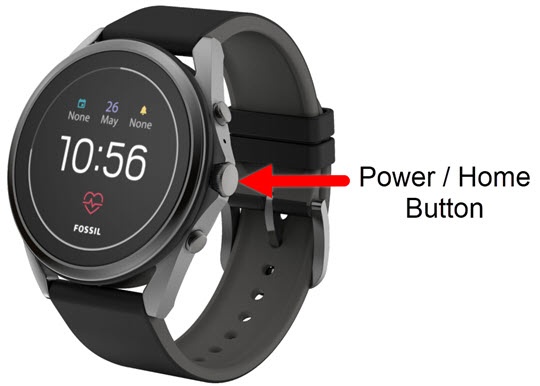
- From the watch screen, press thePower /Home buttonto open the apps screen.
- TapPlay Store.
- TapMy Apps, then do one of the following:
- TapUpdate allto process all app updates
- Select an app, then tapUpdate.
- To automatically update apps:
- From the Play Store screen, tapSettings.
- TapAuto-update appsto turn on
or off
.