Verizon Orbic Speed - Turn Network Name (SSID) On / Off
Here's how to display or not display your Orbic Speed's Wi-Fi name to other devices.
- Your Verizon Orbic® Speed™ has a network name or SSID (Service Set Identifier) assigned to it.
- The SSID is typically broadcast by default, but can be turned off for greater security.
- When turned off, any device attempting to connect for the first time must know the SSID name and password to set up a manual connection to it.For the easiest connection experience, it's recommended to leave this broadcast setting turned on.
- Access the Admin Web Interface.
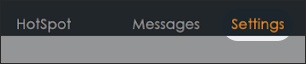
- From the top menu, clickSettings.
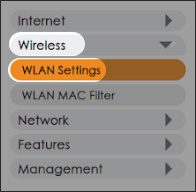
- From the left menu, clickWireless>WLAN Settings.
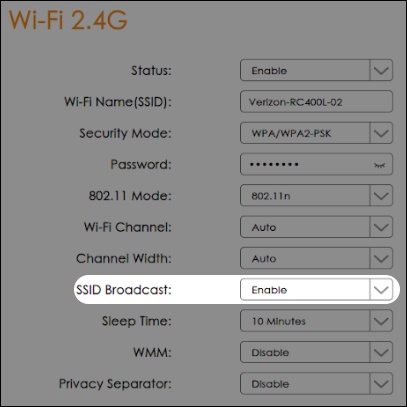
- From either the 'Wi-Fi 2.4G' or 'Wi-Fi 5G' section choose Enable or Disable from the 'SSID Broadcast' dropdown then clickApply.