Verizon Orbic Speed - Manage MAC Filter Settings
Here's how to control MAC address access for your Orbic Speed.
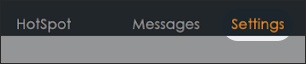
- From the left menu, clickSettings.
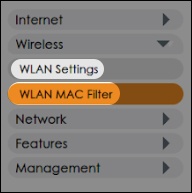
- From the left menu, clickWLAN Settings>WLAN MAC Filter.
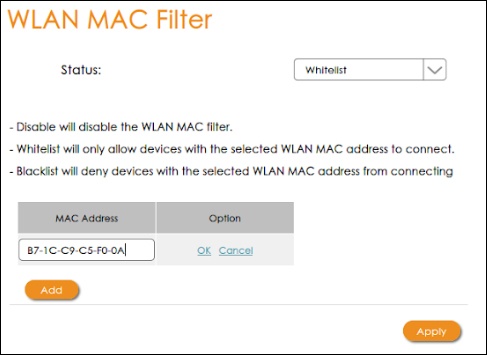
- Select one of the following options from the MAC Filter mode dropdown menu.
- Disable
- Blacklist (Block all devices in list)
- Whitelist (Allow only devices in list)
- After selecting an option above, clickAdd, enter the device name and MAC address then clickOK.The image below is an example of adding a device to the White List.
- ClickApply.