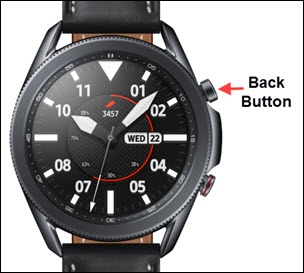
Samsung Galaxy Watch3 - Access Notification Panel
Here's how to view and dismiss notifications for your Galaxy Watch3.
From your Android™ or Apple® iPhone®, ensure your Galaxy Watch3 software is up to date as the steps below apply to the most recent version.
- From the watch screen, swipe screen from left to right to display notifications.
- Do any of the following:
- Swipe up to dismiss the notification.
- Tap a notification to view.When finished, tap theback button(top-right edge) to return to the previous screen.