Connected Car Wi-Fi (Mazda) Activate Monthly Plan
Connected Car Wi-Fi (Mazda)
Activate Monthly PlanFollow this quick guide to activate a monthly subscription after your Mazda in-car Wi-Fi trial ends, ensuring uninterrupted streaming and browsing on every drive.
Steps
- Connect to your vehicle's Wi-Fi hotspot.If necessary, refer to Manage Hotspot Settings to view the network name and password.
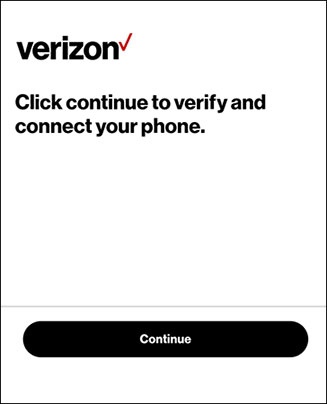
- From the 'Verify and connect your phone' screen, tapContinue.If unavailable, open the web browser on your device and navigate to quickaccess.verizonwireless.com.Your compatible device must be connected to the vehicle's Wi-Fi hotspot or the page won't load.
- From the 'Your free trial of Connected Car Wi-Fi has expired' screen, select the appropriate option then follow the on-screen prompts:
- I have Verizon
- I don't have Verizon