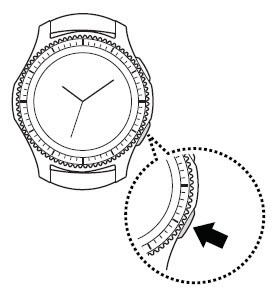
Samsung Gear S3 frontier / Gear S3 classic - Turn Do Not Disturb On / Off
Here's how to check Do Not Disturb settings if your Galaxy Watch isn't receiving calls or alerts for texts and email.
- From the watch screen, press theHome buttonto open the apps screen.
- TapSettings
.
- Do one of the following:
- To enable / disable immediately, tapTurn on nowto turn on
or off
.
- To enable / disable at a scheduled time or date:
- TapTurn on as scheduledto turn on or off.
- TapSet schedule.
- Configure the Start time then tapNEXT.
- Configure the End time then tapNEXT.
- Select the desired day(s) then tapDONE.