5G MiFi® M1000 - View Text Messages
Here's how to view text messages sent to your 5G MiFi M1000.
Text messages can be only received. The ability to compose and send is not available.
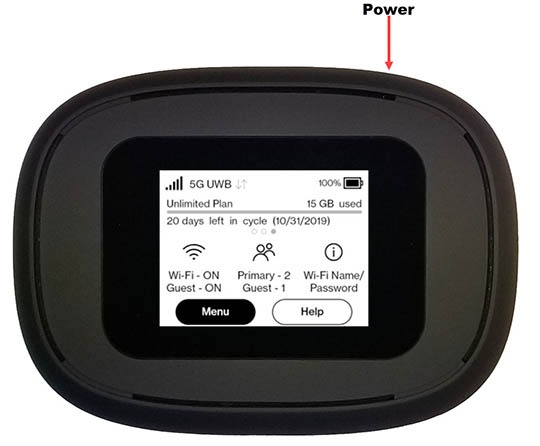
- From the Home screen, tapMenu(lower-left).If necessary, press thePower button(top-right edge) to turn on the display.
- TapMessages.
- If necessary, swipe left or right to cycle through all messages.