Verizon GizmoTablet™ - Edit Child Profile
Here's how to edit a child profile on your GizmoTablet.
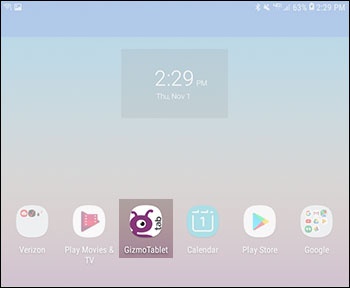
- From a Home screen, tap theGizmoTab app.If unavailable, swipe up or down from the center of the display to access the apps screen then tap theGizmoTab app.
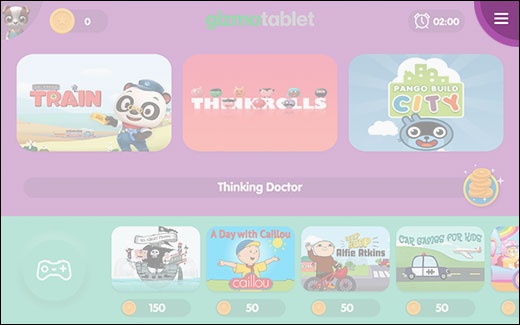
- From the Home screen, tap theMenu icon(located in the upper-right).
- Tap theParenticonthen enter your Parent PIN to access parent-only features.If PIN is forgotten or you would like to change it, refer to Change or Retrieve Parent PIN.
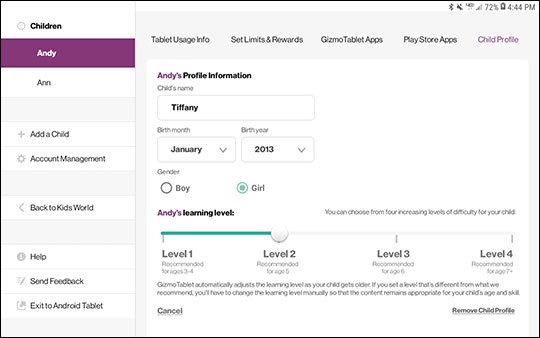
- Tap theChildProfile tab, make changes to the appropriate fields then tapSave.