KYOCERA DuraForce PRO 2 - Delete Email Messages
Here's how to delete email messages from your DuraForce PRO 2.
- From a Home screen, tap theGmail Icon
.
If unavailable navigate:Apps icon>
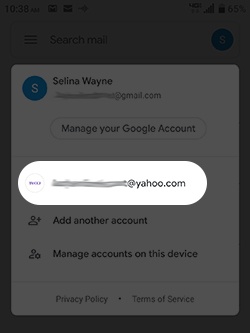
Google folder>Gmail. - If necessary, to get to the desired account:
- Tap theAccount icon
(upper-right).
- Tap the appropriate email account.
- From the Inbox, tap a message(s).Message is selected when a checkmark is present.
- Tap theDelete icon
(upper-right).