Push to Talk Plus - Kyocera DuraXV LTE - Initial Setup
Here's how to set up Push to Talk Plus on your DuraXV LTE.
Remove SMS Blocks to setup Push To Talk Plus.
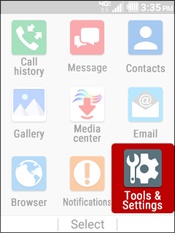
- From the main screen, selectMenu.
- SelectTools & Settings.
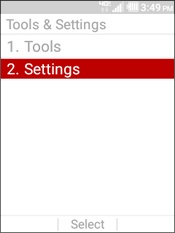
- SelectSettings.
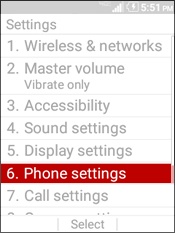
- SelectPhone settings.
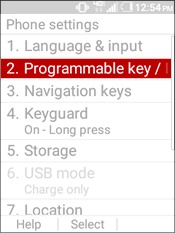
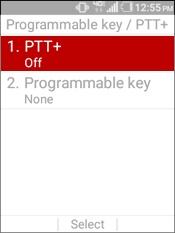
- SelectProgrammable key / PTT+.
- SelectPTT+.
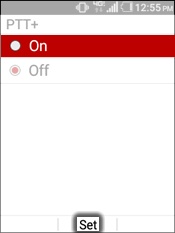
- SelectOnthen selectSet.
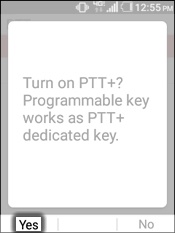
- Press theleft soft keyto choose Yes.
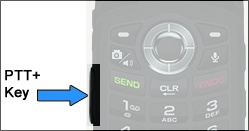
- Press thePTT+ Keylocated on the left edge of the device.
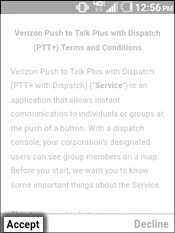
- To continue, read the Terms and Conditions then press theleft soft keyto choose Accept.
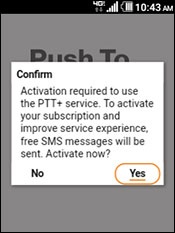
- Confirm the Push To Talk activation by selectingYes.
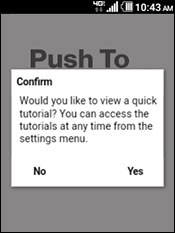
- If preferred, selectYesto view a quick tutorial then follow the on screen steps.