Register for Enterprise Messaging (EMAG)
Here's how to register for Enterprise Messaging via the EMAG website.
- Navigate to the Enterprise Messaging page.
- ClickRegister.
- From the My Verizon Registration page:
- Enter the 10-digit Pilot number.
- Select theAccount MemberorAccount Manageroption.
- Follow the on- screen instructions to complete the regristration process.
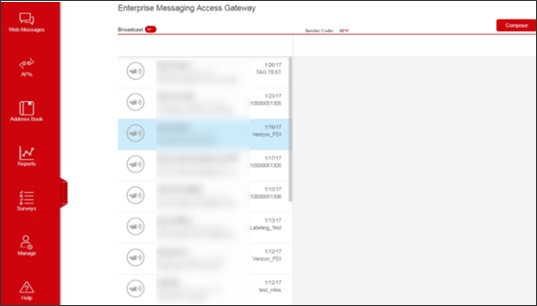
- Navigate to the Enterprise Messaging page then sign in using your 10-digit pilot number and password.Upon successful sign in the main page displays.If you forgot the password:
- Navigate to the Enterprise Messaging page then enter the 10-digit pilot number.
- ClickSign in.
- ClickForgot Your Password.
- Follow the on-screen instructions to change your password.