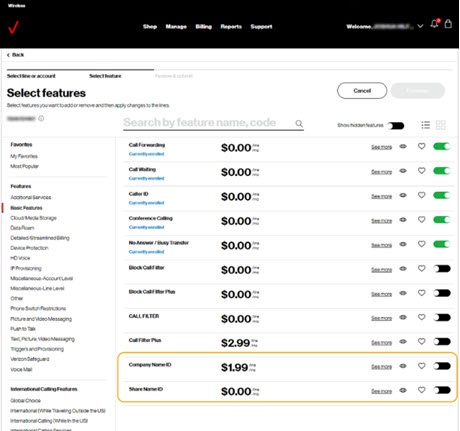
Configure Company Name ID
Here's how to configure settings for Company Name ID.
- Sign in to My Business.
- Navigate: .
- Select 'Company Name ID' switch to turn on
or off
.
- ClickContinue.
- Select when you want the change to take effect.
- Select an email address to send a confirmation to for the feature change.
- ClickSubmit.
For more info regarding Company Name ID, refer to these FAQs.