Backup/Restore Current Configuration (Mac) - Verizon 4G LTE Broadband Router
Here's how to backup and restore the current configuration of your Verizon 4G LTE Broadband Router via a Macintosh computer.
Backup Configuration
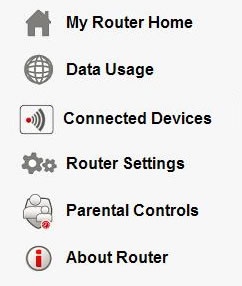
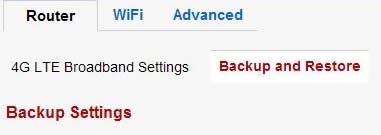
- Access the router configuration tool then clickRouter Settings(on the left).For assistance with accessing the router configuration page, refer to Accessing the Router Configuration.
- From the Router tab, clickBackup and Restore.
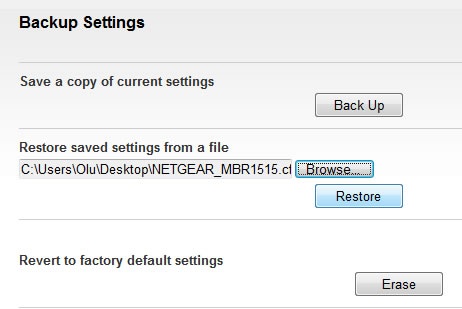
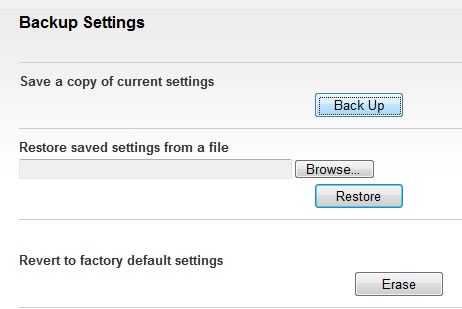
- ClickBack Up.
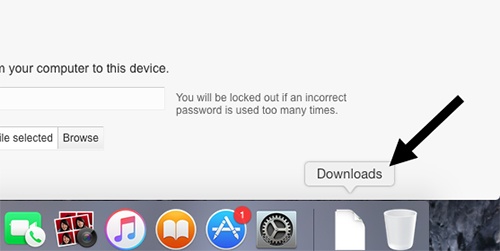
- File is saved to the downloads folder.
Restore Configuration
- Access the router configuration tool then clickRouter Settings(on the left).For assistance with accessing the router configuration page, refer to Accessing the Router Configuration.
- From the Router tab, clickBackup and Restore.
- ClickBrowse.
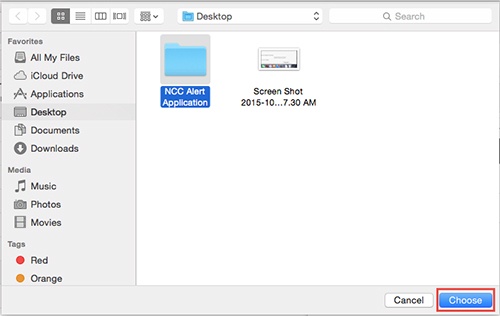
- Select the backup file then clickChoose.
- ClickRestore.
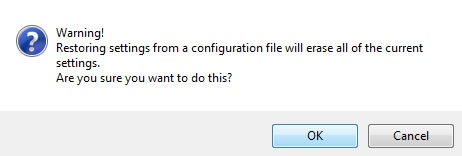
- ClickOKto start the restore process.The process could take up to 2 minutes.