Check for Water Damage - Motorola
Here's how to help determine if your Motorola device has liquid damage.
Use the provided info below to help determine if your device has water damage.
- Prepaid service customers: Visit a Verizon store to order warranty replacements. Orders for prepaid warranty issues can't be processed via Customer Service.
- Standard service customers: If you need to replace your device under warranty and the device is water damaged, broken, or has unreasonable wear and tear, you could be assessed a Damaged Device Fee. If damage is found:
- Several replacement options may be available.
- If you have a LifeProof case, visit this support page. If you have a different protective case, contact the manufacturer to see if they have any guarantees against damage.
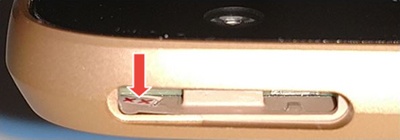
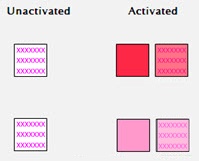
Motorola uses a white field with pink or red "X" marks to indicate a device that has had no liquid contact. When the indicator comes in contact with liquid, the "X" marks become pink or red smudge marks across the white field.
DROID 3 (located under the back cover):
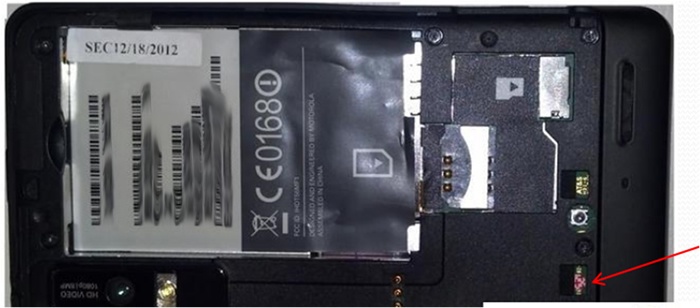
DROID 4 (under the battery):
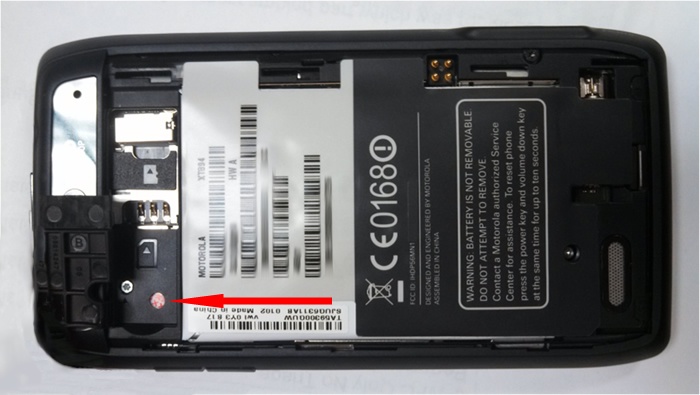
DROID BIONIC (under the back cover):
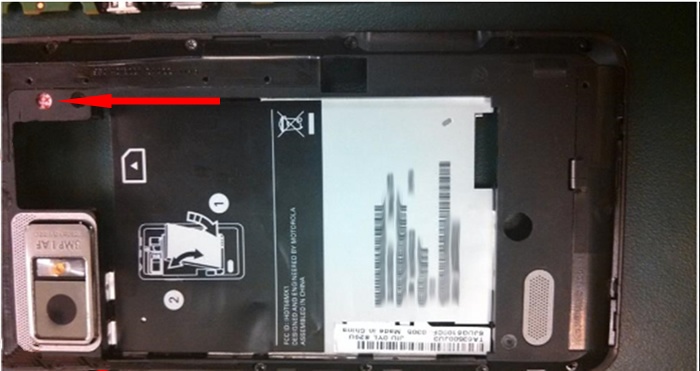
DROID Ultra / DROID MAXX (under the SIM tray):
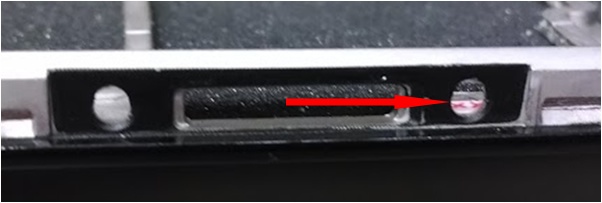
DROID Mini (in SIM slot):
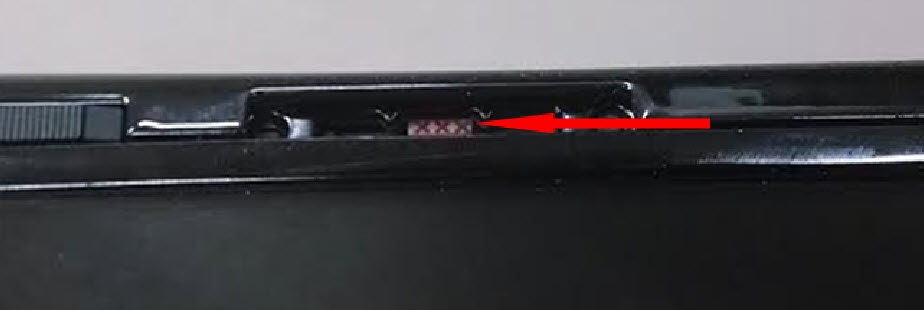
DROID RAZR/MAXX (in SIM slot):
to view the Liquid Detection Indicator.
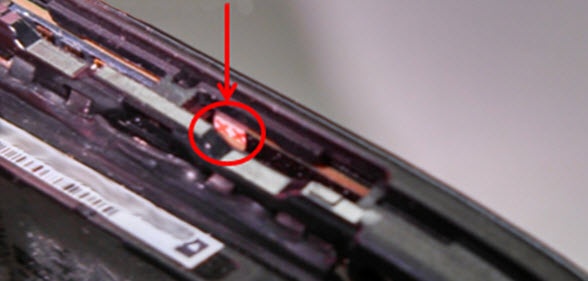
DROID RAZR HD/MAXX HD (in SIM slot):
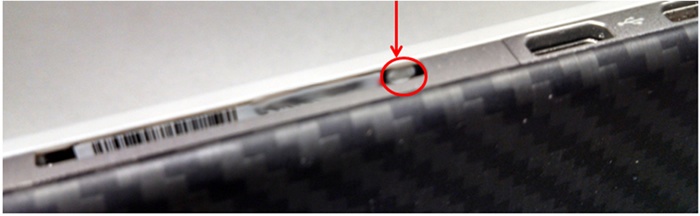
RAZR M / Luge (near Micro SD slot):
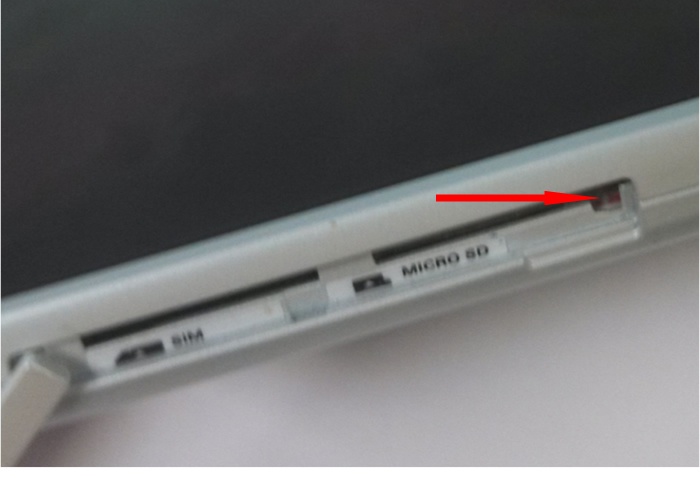
MOTO X (in SIM slot with SIM tray removed):
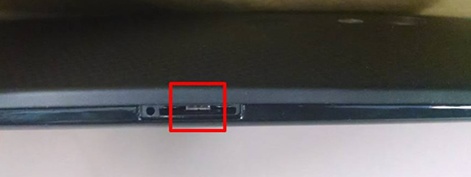
DROID X2 (under back cover):
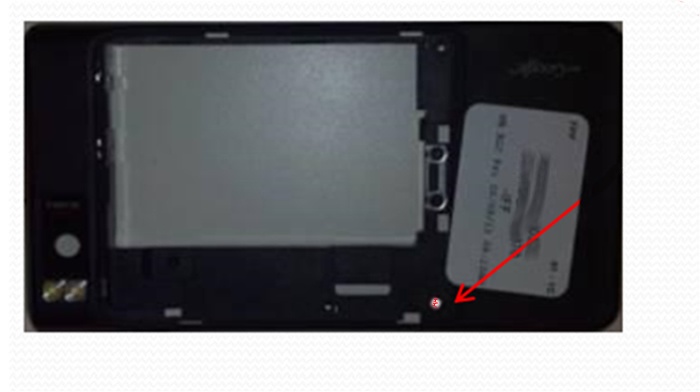
DROID Turbo (in SIM Slot):
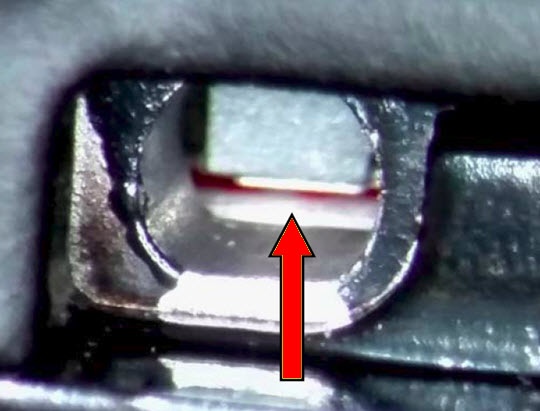
Nexus 6 (in SIM Slot):
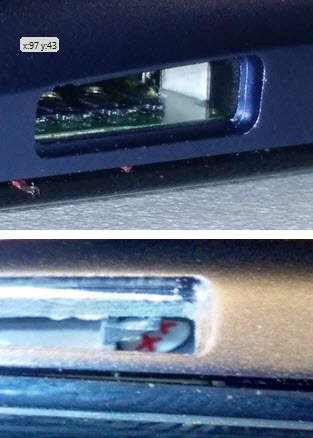
Moto E (under the band, left side of the device):
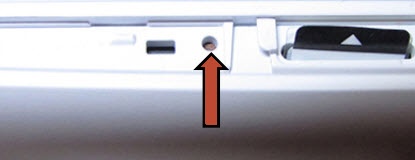
DROID MAXX 2 (in SIM slot):
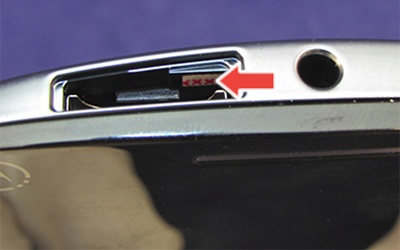
DROID Turbo 2 (in SIM slot):
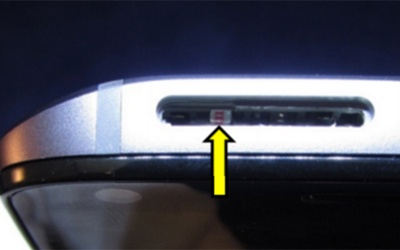
Z Droid / Z Force (in SIM slot):